How it works
Step 1
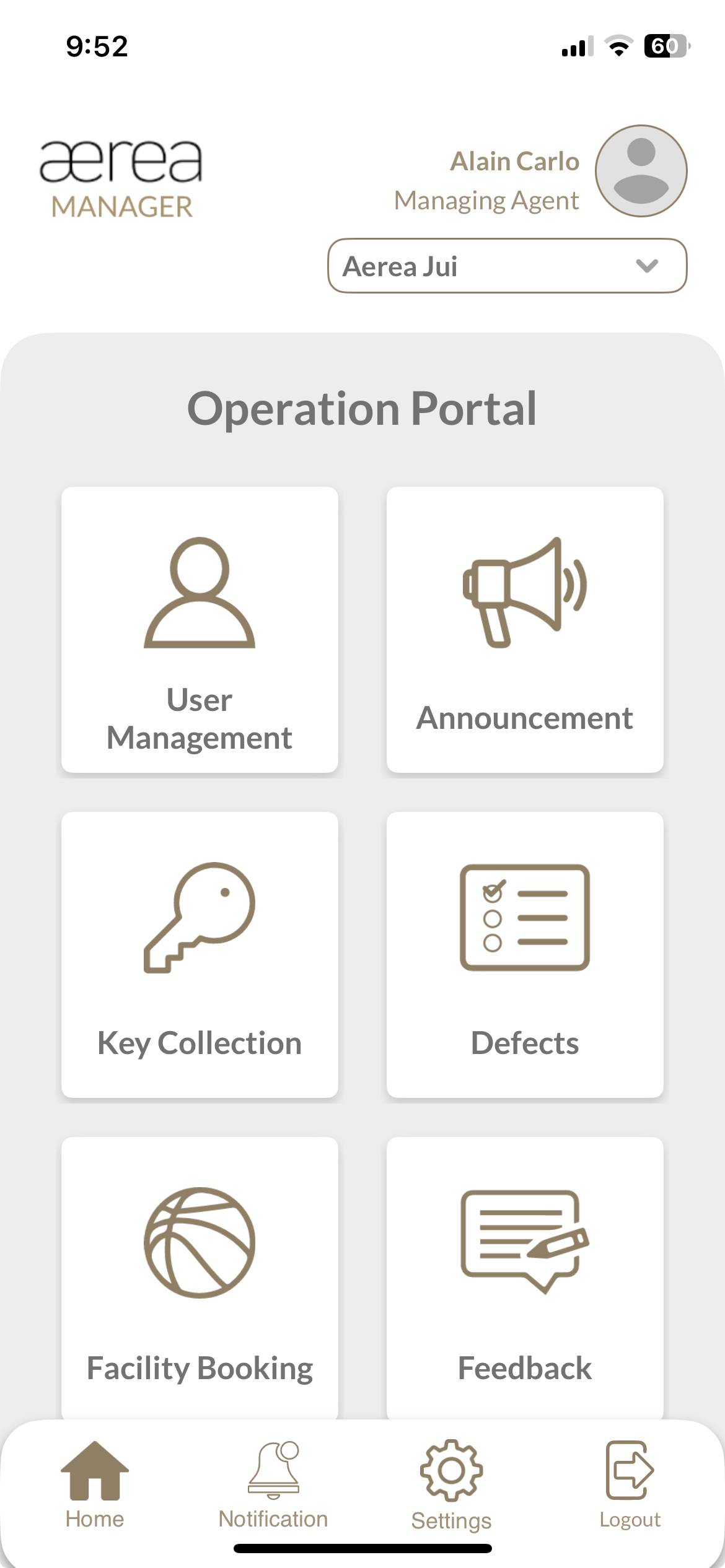
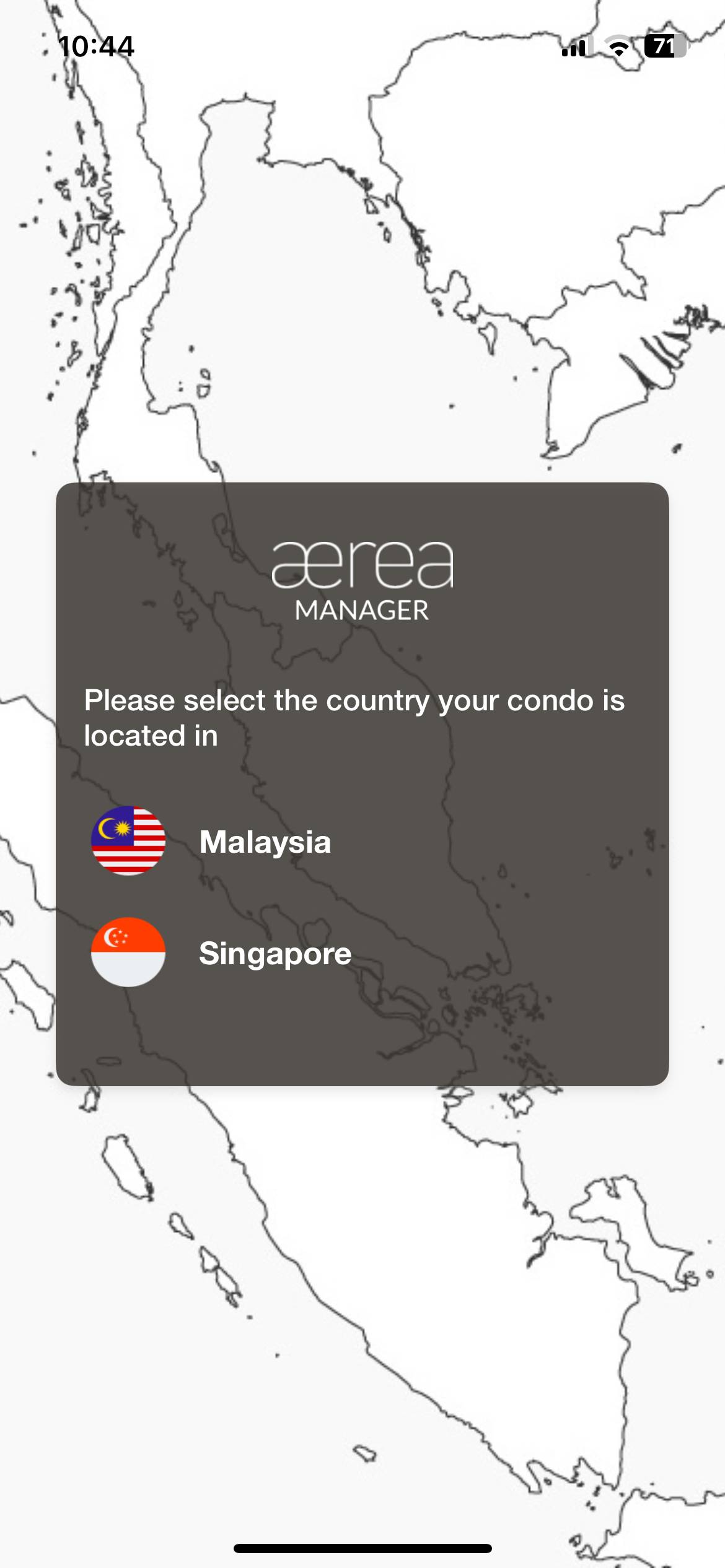
Users with managing roles can login via the Aerea Manager app. They can manage multiple properties with a single login. Select the country your condo is located in
Step 2
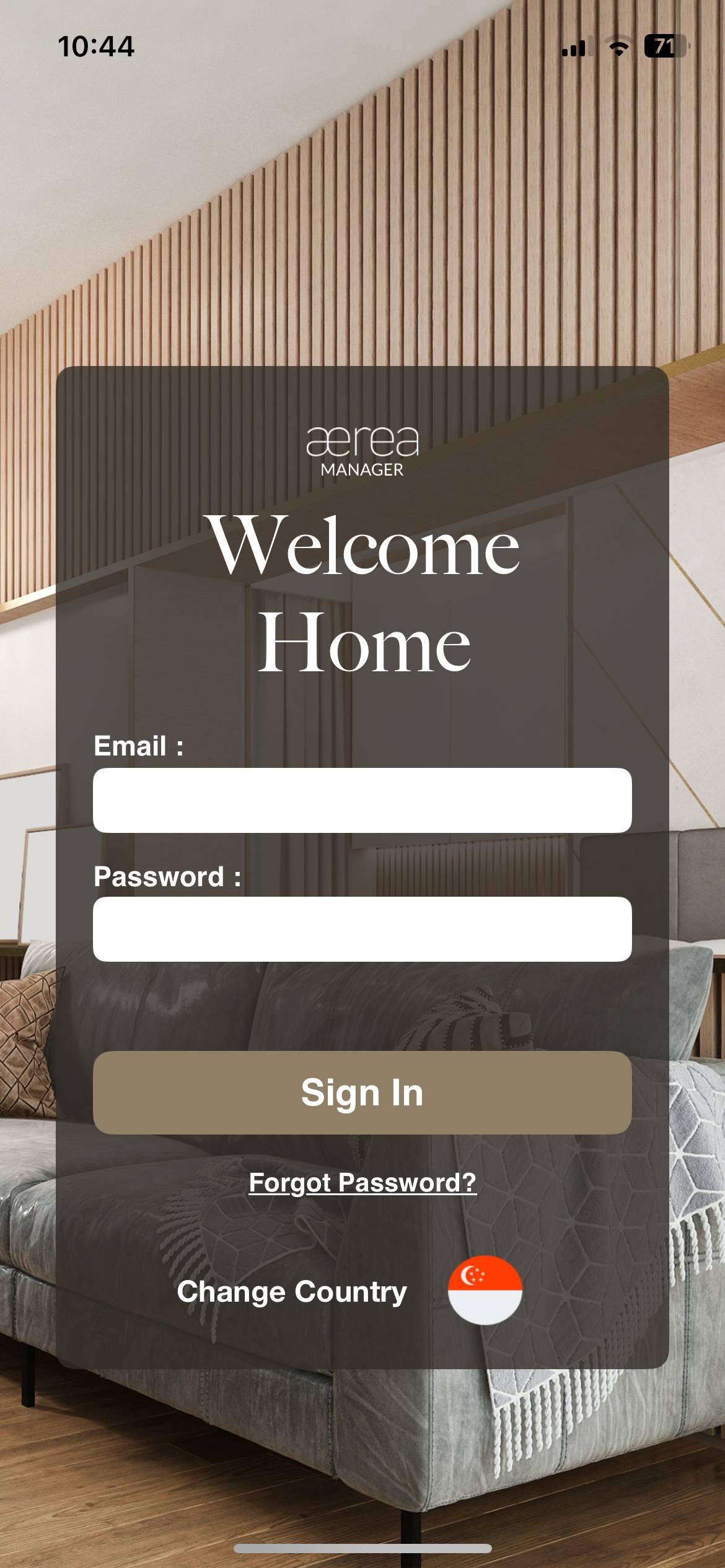
Enter the email address and password, then tap Submit
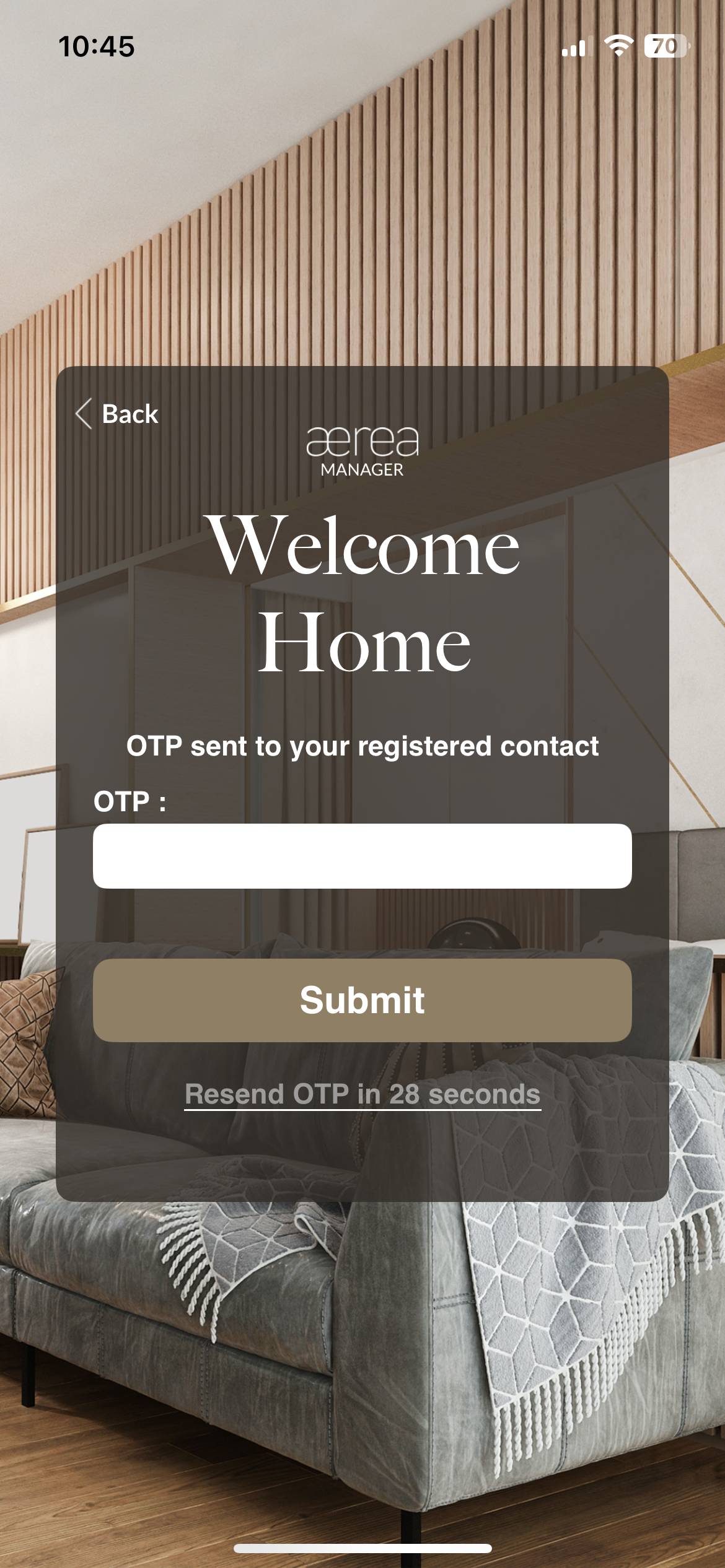
Step 3
Enter the one-time password that was sent to the registered email account
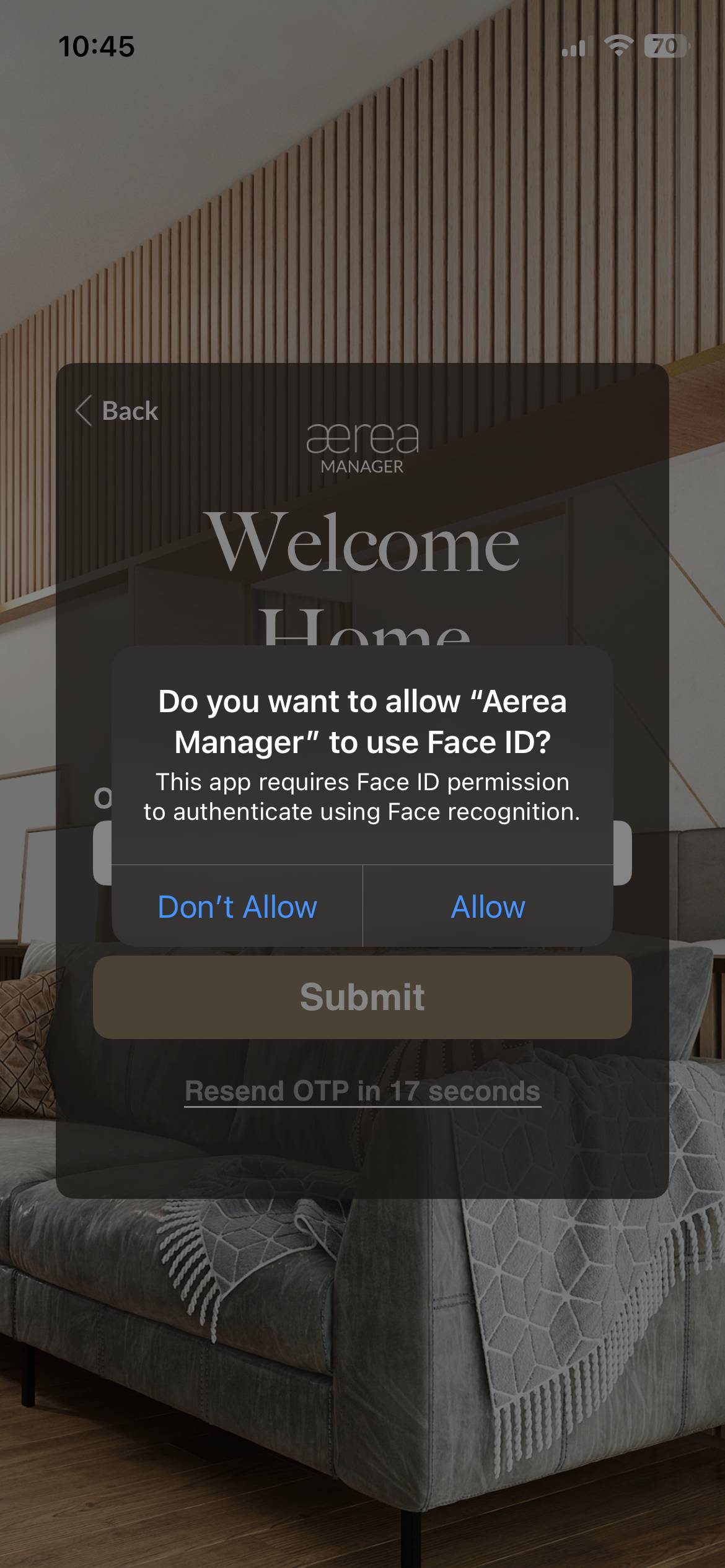
Step 4
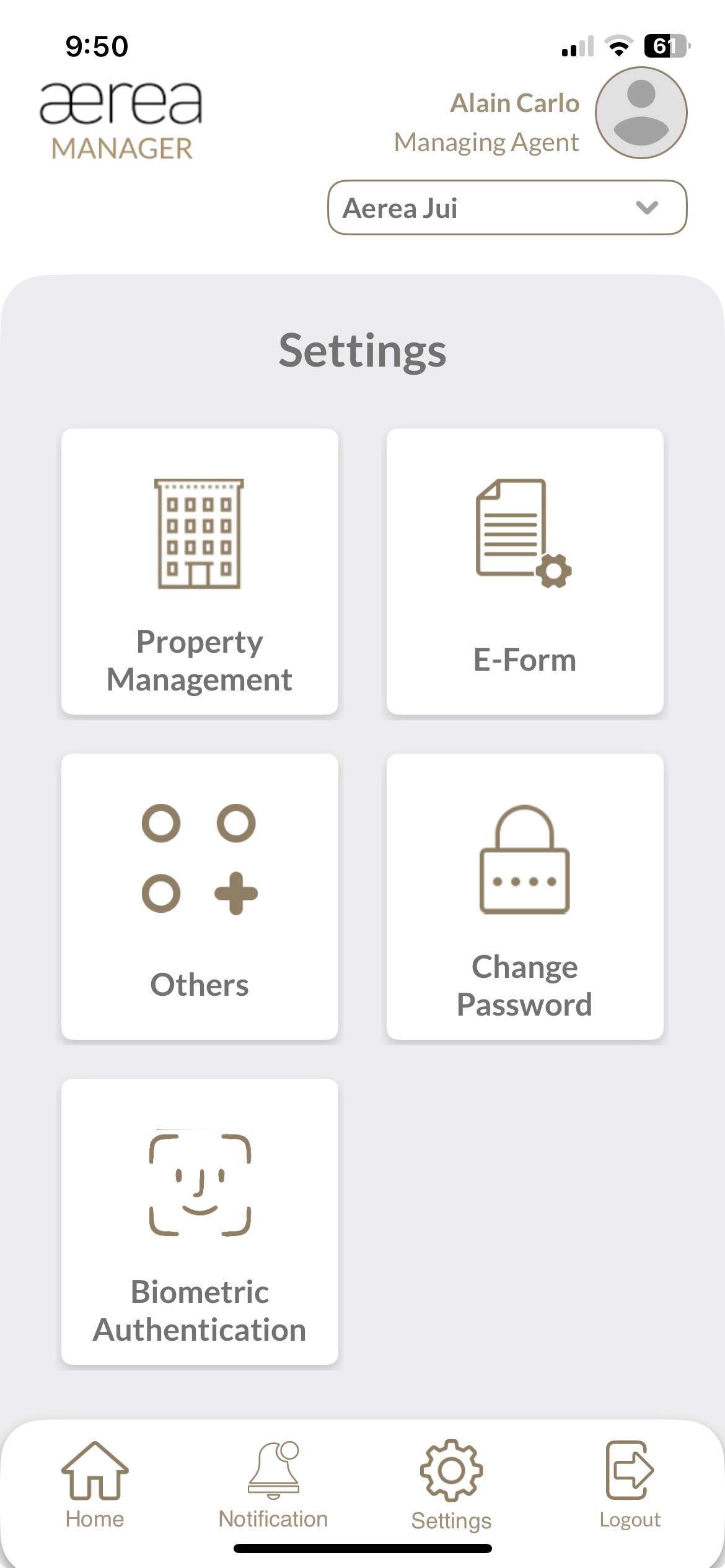
The user is prompted to enable biometric login for future logins after the successful OTP verification
How it works
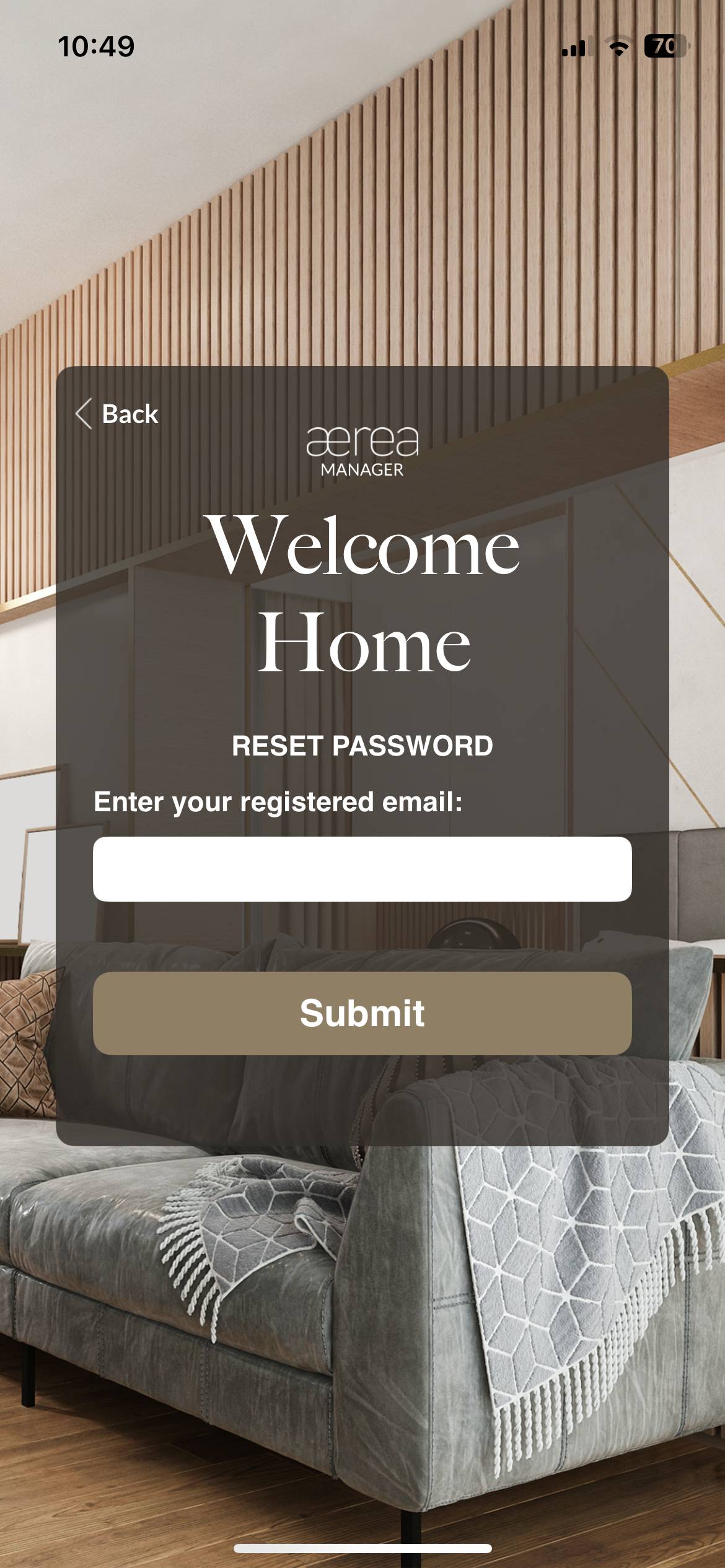
Step 1
If you forget your password, you can reset it by clicking on the Forgot Password button in the home screen Enter the registered email address and tap on Submit
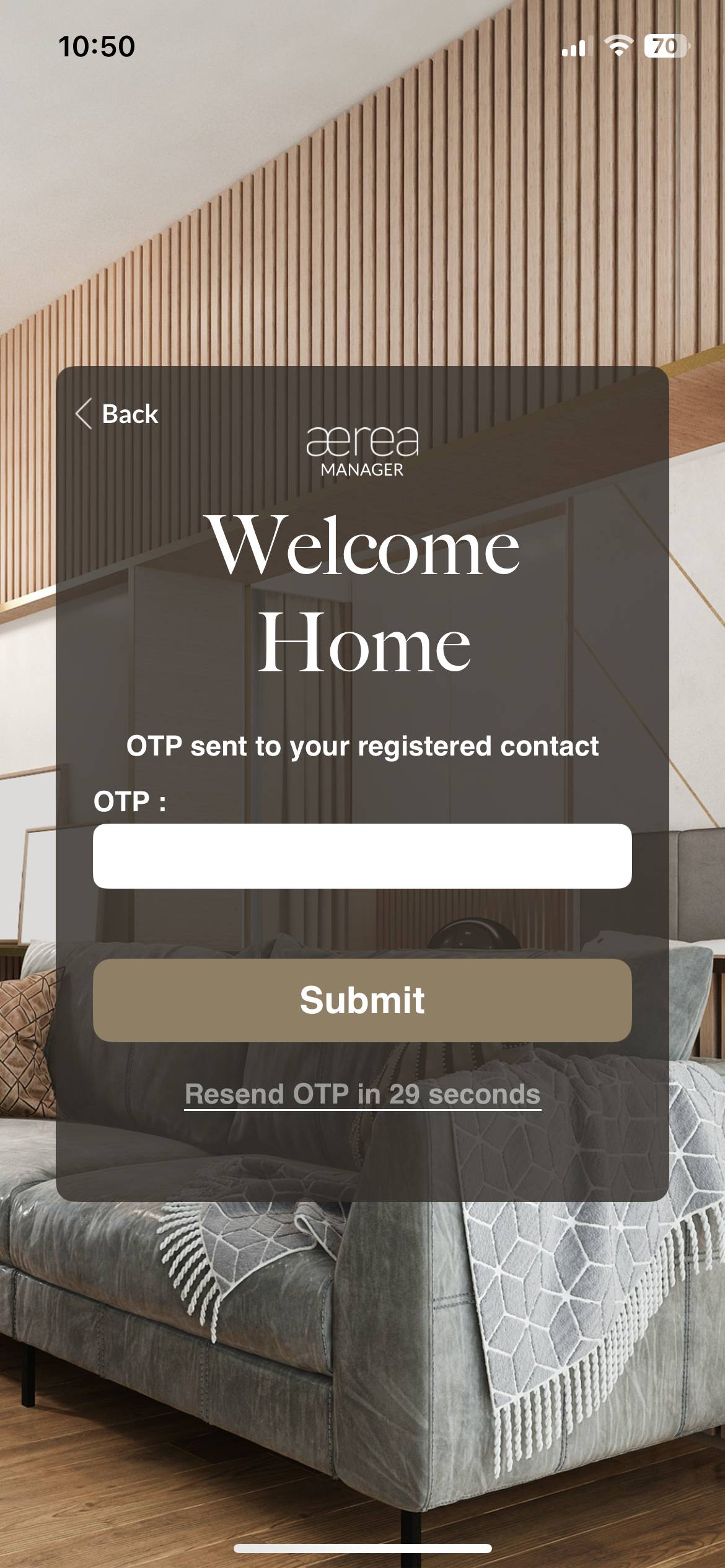
Step 2
Check your email for the one-time password. Enter the otp in the designated field and tap on Submit
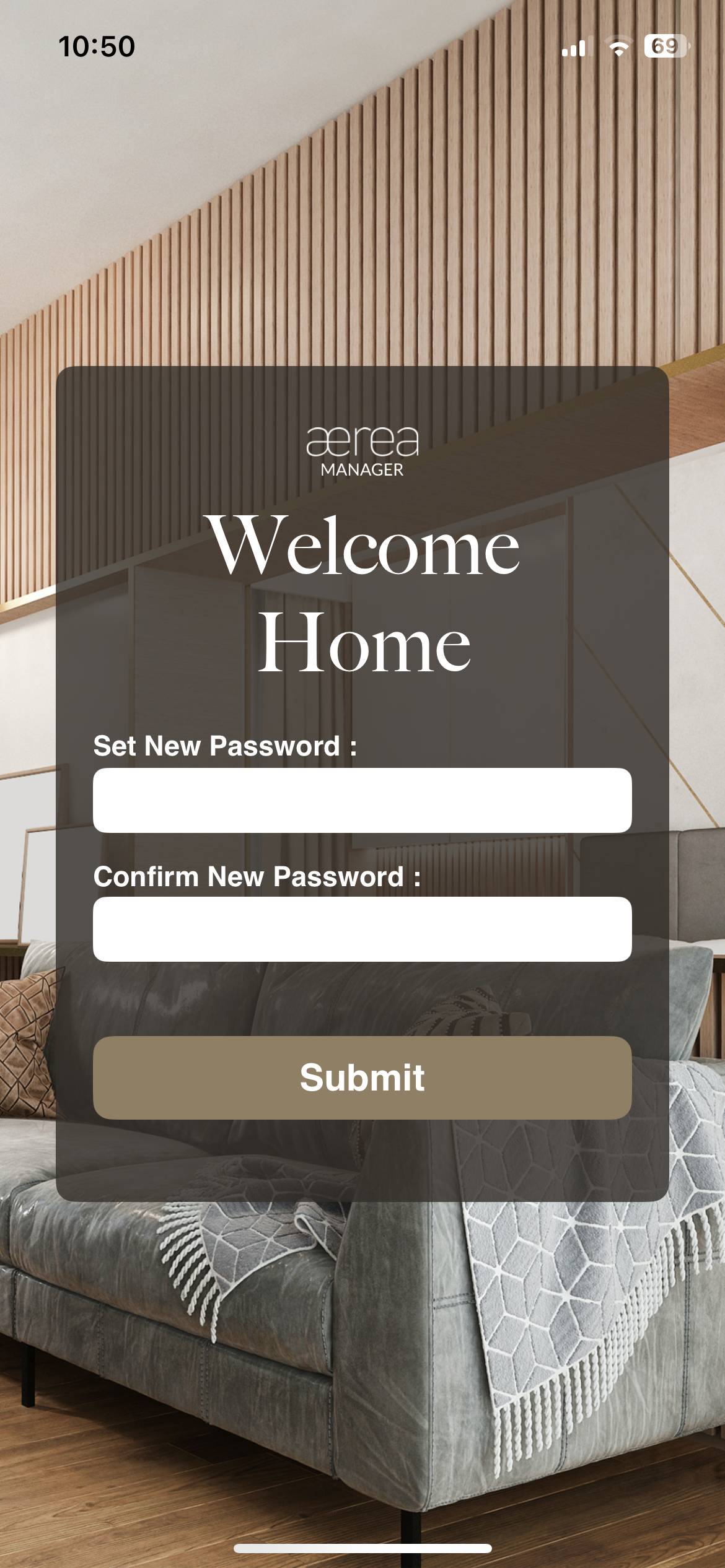
Step 3
Type in the new password, then type it again in the Confirm Password field, and then tap on Submit